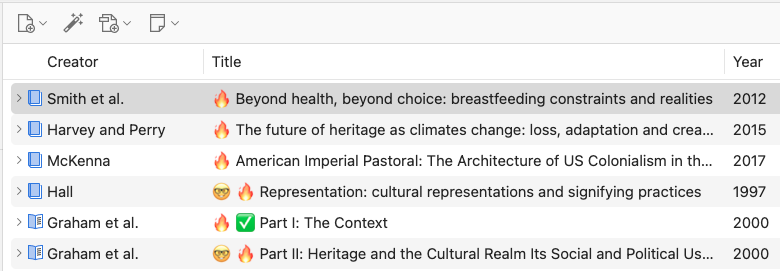
How to add visual tags to Zotero (Quick and Dirty)
You can tell I'm a millennial by the extent of my emoji use.

It's an efficient way for me to keep tabs (or tags??) on what I am currently reading, what I have finished, and everything that's in between. Here's how to do it:
-
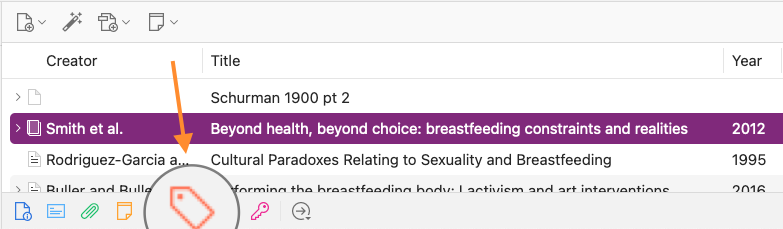
Select the paper on Zotero and click on the tag icon at the bottom row.
-
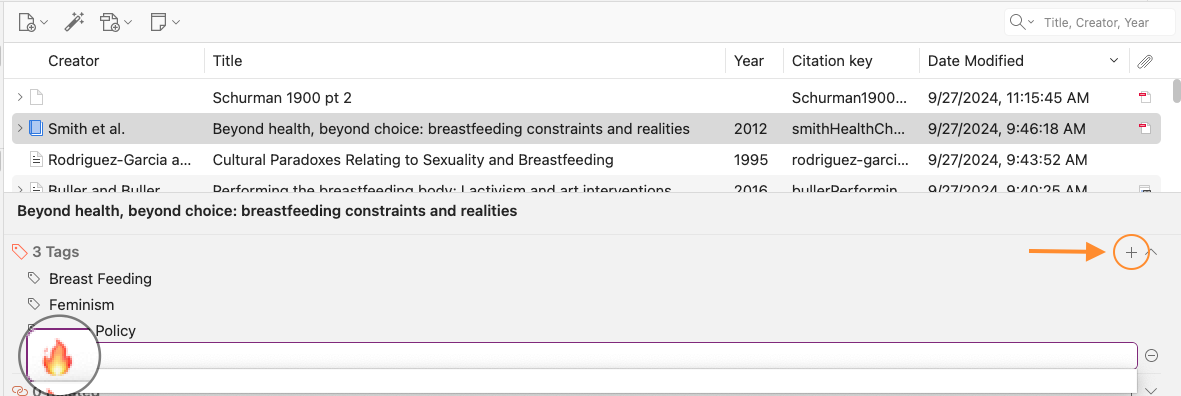
Click on the (+) sign and add your preferred emoji/symbol. For Mac, you can press Command + Control + Spacebar. I think it's Windows logo key + . (period) on Windows.
-
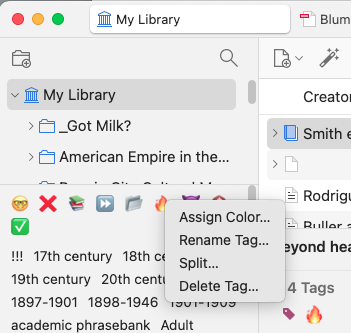
Once your emoji tag appears on the tag list on the left side, right click it and assign it a color.
-
The tags should appear beside the title, allowing for quick reference.